
Text to image
Turn a written brief into product shots, artwork, social graphics, or landing page visuals.

Create images from text prompts, transform reference photos, and choose the right image model for product visuals, ads, social posts, and concept work.


A premium pistachio ice cream cone advertisement on a deep green studio background, with flying pistachios, chocolate ribbons, creamy splash motion, elegant serif typography, product benefit badges, and polished dessert packaging art direction.Movoria AI Image Generator helps you create new visuals from text, edit existing images with references, and switch between image models based on the job. Use it when you need fast drafts, controlled edits, campaign assets, or polished visuals in one browser-based workspace.
Turn a written brief into product shots, artwork, social graphics, or landing page visuals.
Upload reference images to adjust style, composition, materials, or visual direction.
Pick GPT Image 2, Nano Banana Pro, Grok Image, or other image models by task instead of guessing.
Generated history stays in your account workspace and is not automatically published as a public showcase.
A model guide for choosing the right image workflow before you spend time refining prompts.
Detailed edits and finished assets
Best for polished outputs, reference-guided edits, product visuals, and advertising concepts that need stronger control.
Creative exploration
Useful for fast creative exploration, text-heavy visuals, poster concepts, and style variations from a brief.
Fast drafts
A practical option for quick drafts, lower-friction iteration, and early visual direction checks.
Concept and social visuals
Use for social ideas, concept images, realistic-looking scenes, and everyday visual ideation.
Alternative image style
A familiar fallback for prompt-based images and multimodal image edits when you prefer its look.
The page is built for image creation workflows that usually need more than one generation.
Describe the subject, format, style, lighting, layout, and constraints in one prompt.
Use uploaded images to guide edits, preserve useful details, or move a draft toward a known direction.
Prepare square, portrait, and landscape compositions for ads, social posts, product cards, or editorial layouts.
Generate a direction, compare results, copy prompts, and keep useful generations in history.
Create images for campaigns, product pages, blogs, pitch decks, and internal creative review.
Keep text-to-image and image-to-image tools together instead of moving across separate apps.
Use a short creative process so each generation teaches the next one.
Start with the output format, subject, audience, mood, and any required details.
Select the image model that fits the task: polished control, quick draft, social concept, or alternate style.
Run a draft, inspect the composition, and keep the strongest direction before adding more detail.
Upload a reference or continue editing when you need a controlled change instead of a new image.
Common creative jobs where an AI image generator saves drafting time without replacing review.
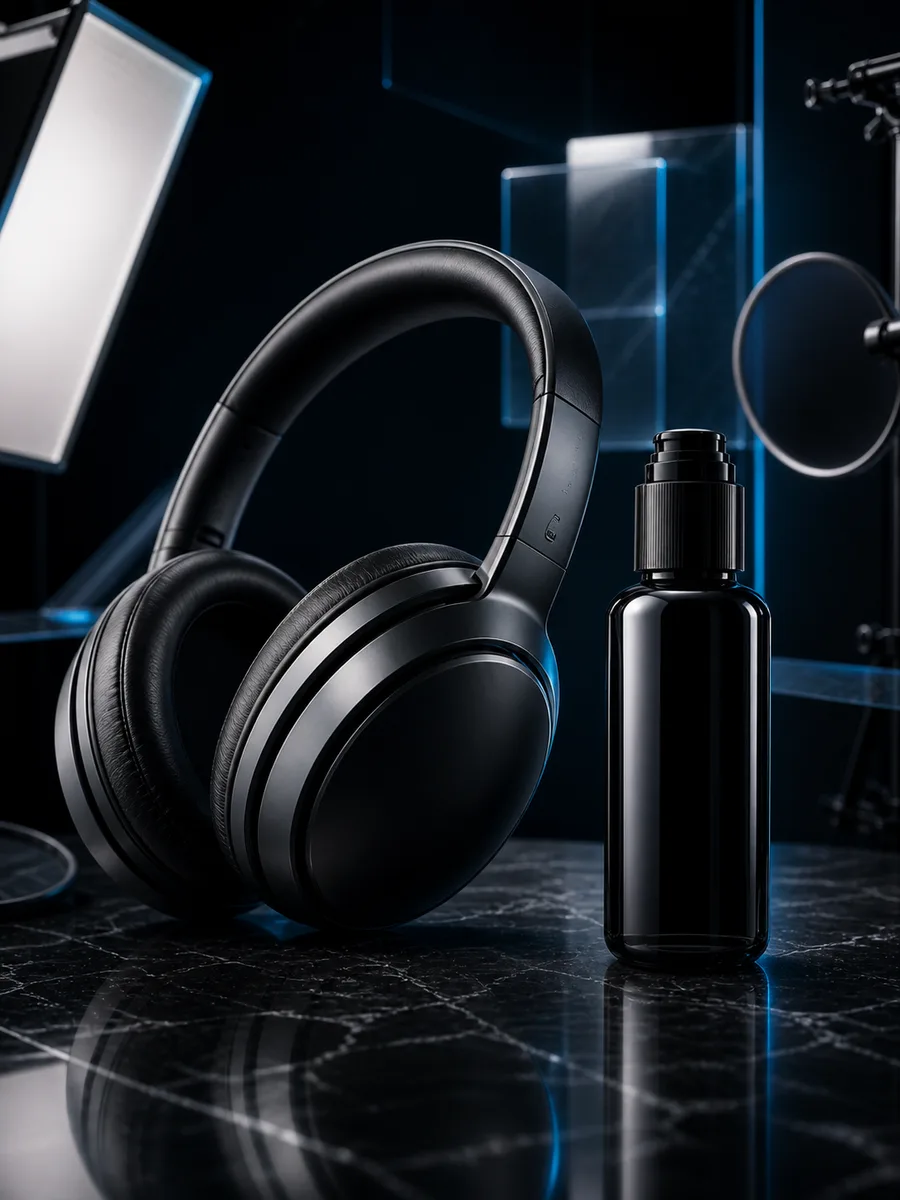
Create product concepts, studio-style mockups, detail shots, and launch page imagery.
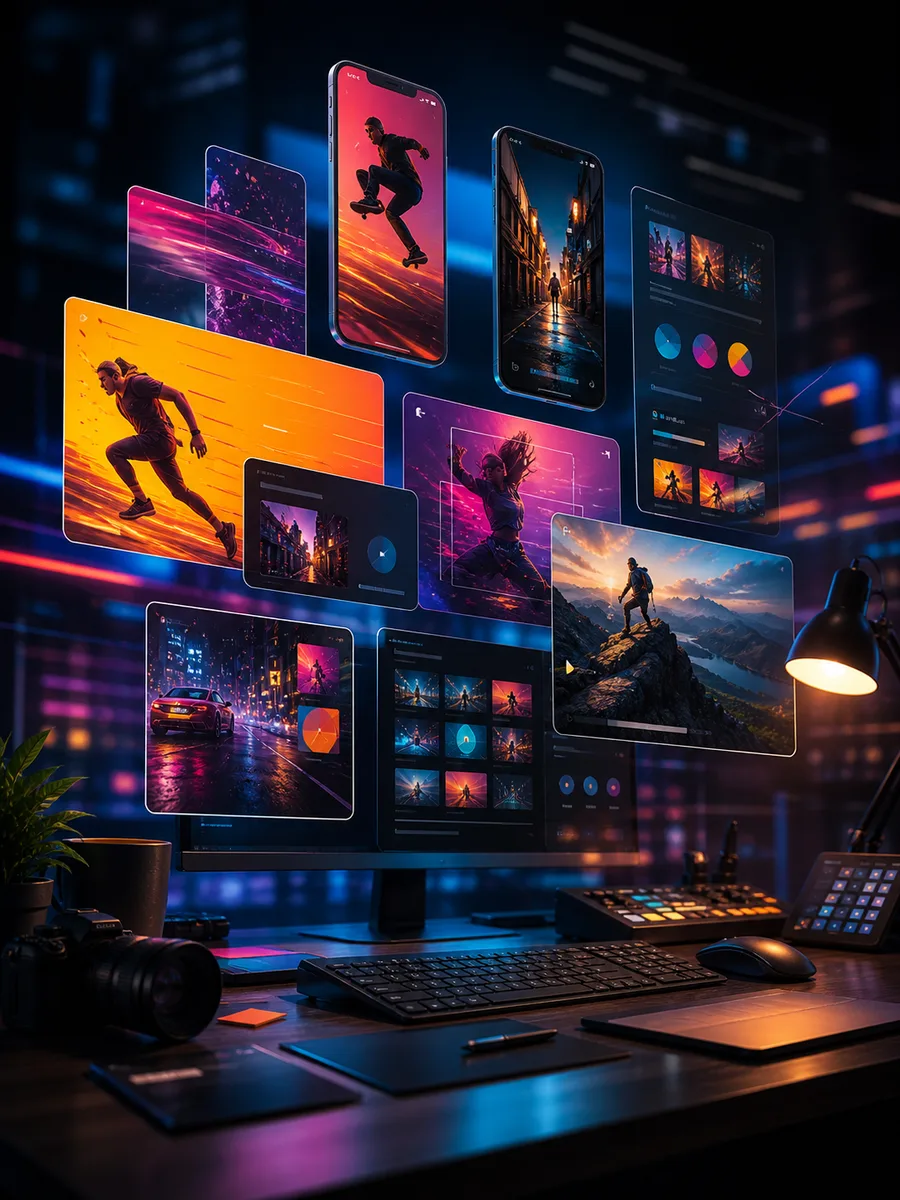
Draft campaign angles, social posts, thumbnail ideas, and visual hooks before design polish.
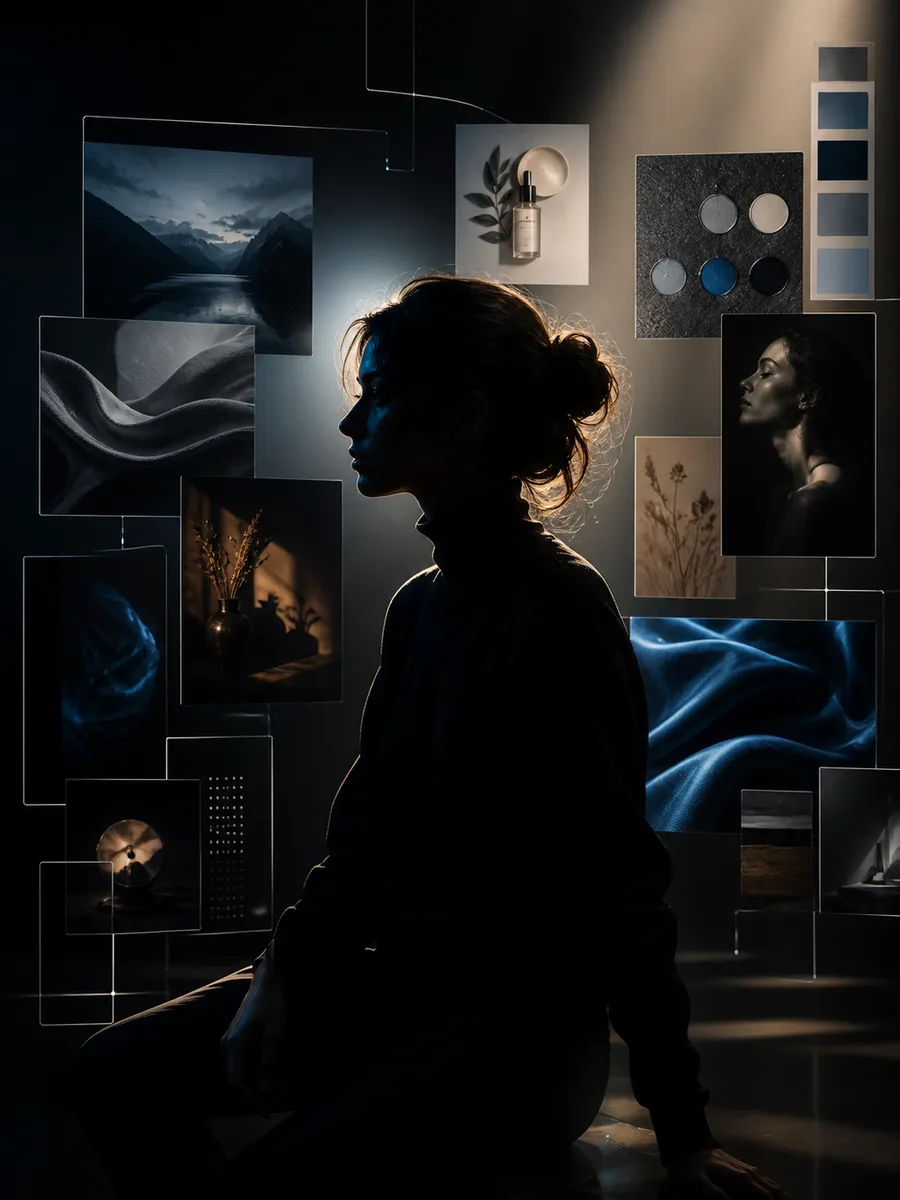
Explore profile images, creator visuals, editorial portraits, and brand mood directions.
Choose credits or a plan for AI image generation. Use the same real Movoria checkout options for text-to-image, image-to-image, and model experiments.
Includes
Includes
Includes
Answers for choosing models, editing images, and starting a generation.
Model availability and credit costs can change as provider pricing changes.
Open the generator, choose the model that fits the job, and turn your next prompt or reference photo into a usable visual draft.