
Text to image
Turn a written brief into product shots, artwork, social graphics, or landing page visuals.


A premium pistachio ice cream cone advertisement on a deep green studio background, with flying pistachios, chocolate ribbons, creamy splash motion, elegant serif typography, product benefit badges, and polished dessert packaging art direction.Movoria는 텍스트로 이미지를 만들고 참조 이미지로 기존 이미지를 편집하며 작업에 맞는 모델을 선택할 수 있는 브라우저 기반 이미지 작업 공간입니다.
Turn a written brief into product shots, artwork, social graphics, or landing page visuals.
Upload reference images to adjust style, composition, materials, or visual direction.
Pick GPT Image 2, Nano Banana Pro, Grok Image, or other image models by task instead of guessing.
Generated history stays in your account workspace and is not automatically published as a public showcase.
프롬프트를 오래 다듬기 전에 목적에 맞는 이미지 모델을 선택하세요.
Detailed edits and finished assets
Best for polished outputs, reference-guided edits, product visuals, and advertising concepts that need stronger control.
Creative exploration
Useful for fast creative exploration, text-heavy visuals, poster concepts, and style variations from a brief.
Fast drafts
A practical option for quick drafts, lower-friction iteration, and early visual direction checks.
Concept and social visuals
Use for social ideas, concept images, realistic-looking scenes, and everyday visual ideation.
Alternative image style
A familiar fallback for prompt-based images and multimodal image edits when you prefer its look.
이 페이지는 보통 여러 번의 생성과 조정이 필요한 이미지 제작 흐름을 위해 설계되었습니다.
Describe the subject, format, style, lighting, layout, and constraints in one prompt.
Use uploaded images to guide edits, preserve useful details, or move a draft toward a known direction.
Prepare square, portrait, and landscape compositions for ads, social posts, product cards, or editorial layouts.
Generate a direction, compare results, copy prompts, and keep useful generations in history.
Create images for campaigns, product pages, blogs, pitch decks, and internal creative review.
Keep text-to-image and image-to-image tools together instead of moving across separate apps.
짧은 창작 과정을 사용해 각 생성 결과가 다음 개선으로 이어지게 합니다.
Start with the output format, subject, audience, mood, and any required details.
Select the image model that fits the task: polished control, quick draft, social concept, or alternate style.
Run a draft, inspect the composition, and keep the strongest direction before adding more detail.
Upload a reference or continue editing when you need a controlled change instead of a new image.
AI 이미지 생성기가 초안 시간을 줄이면서 사람의 검토를 유지할 수 있는 일반적인 창작 작업입니다.
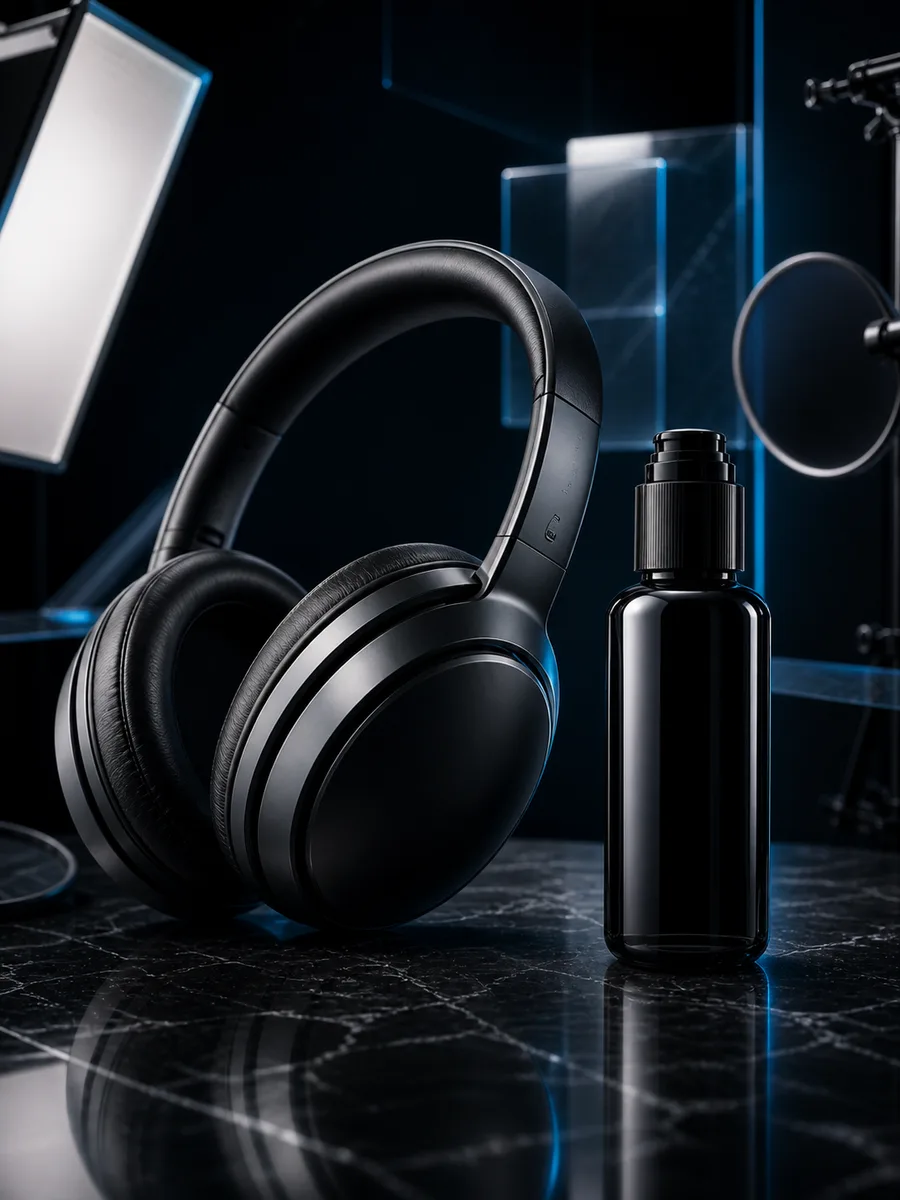
Create product concepts, studio-style mockups, detail shots, and launch page imagery.
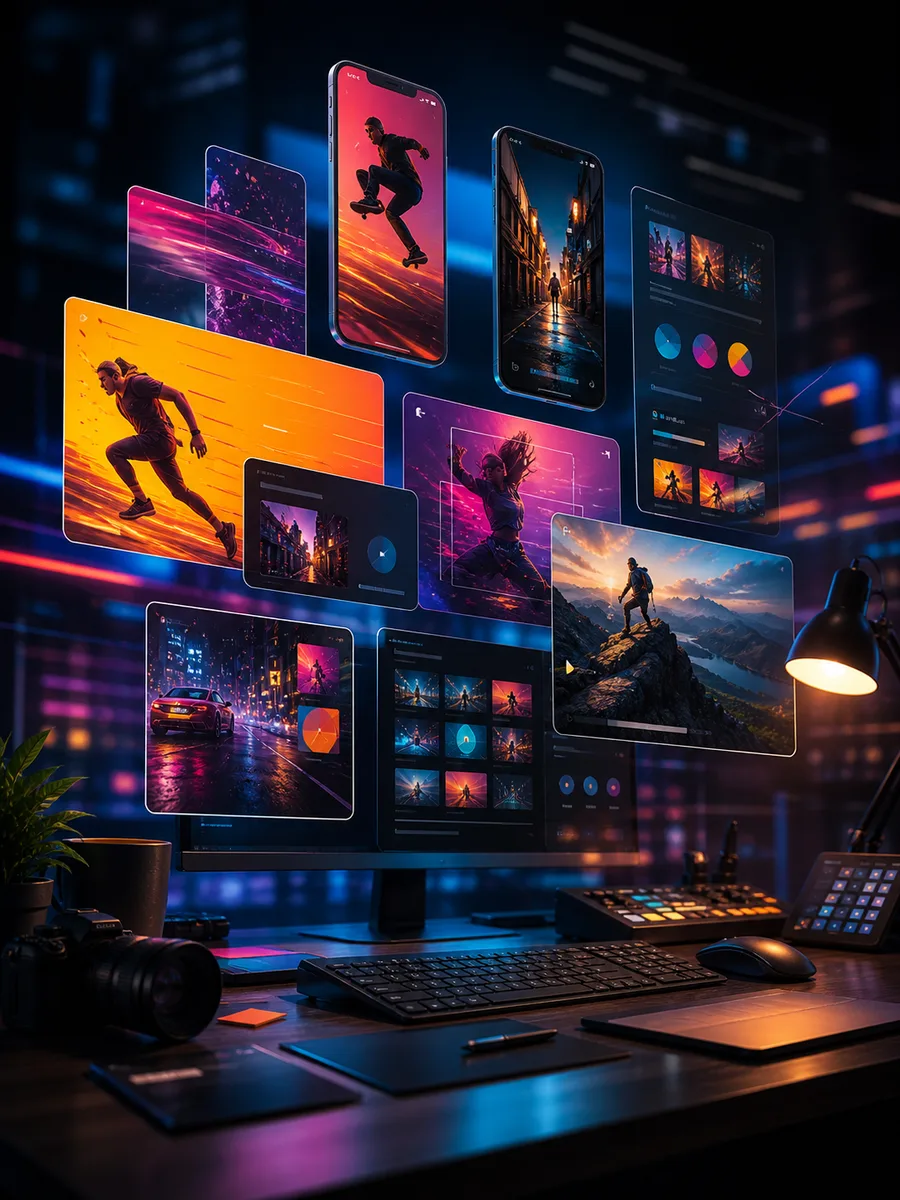
Draft campaign angles, social posts, thumbnail ideas, and visual hooks before design polish.
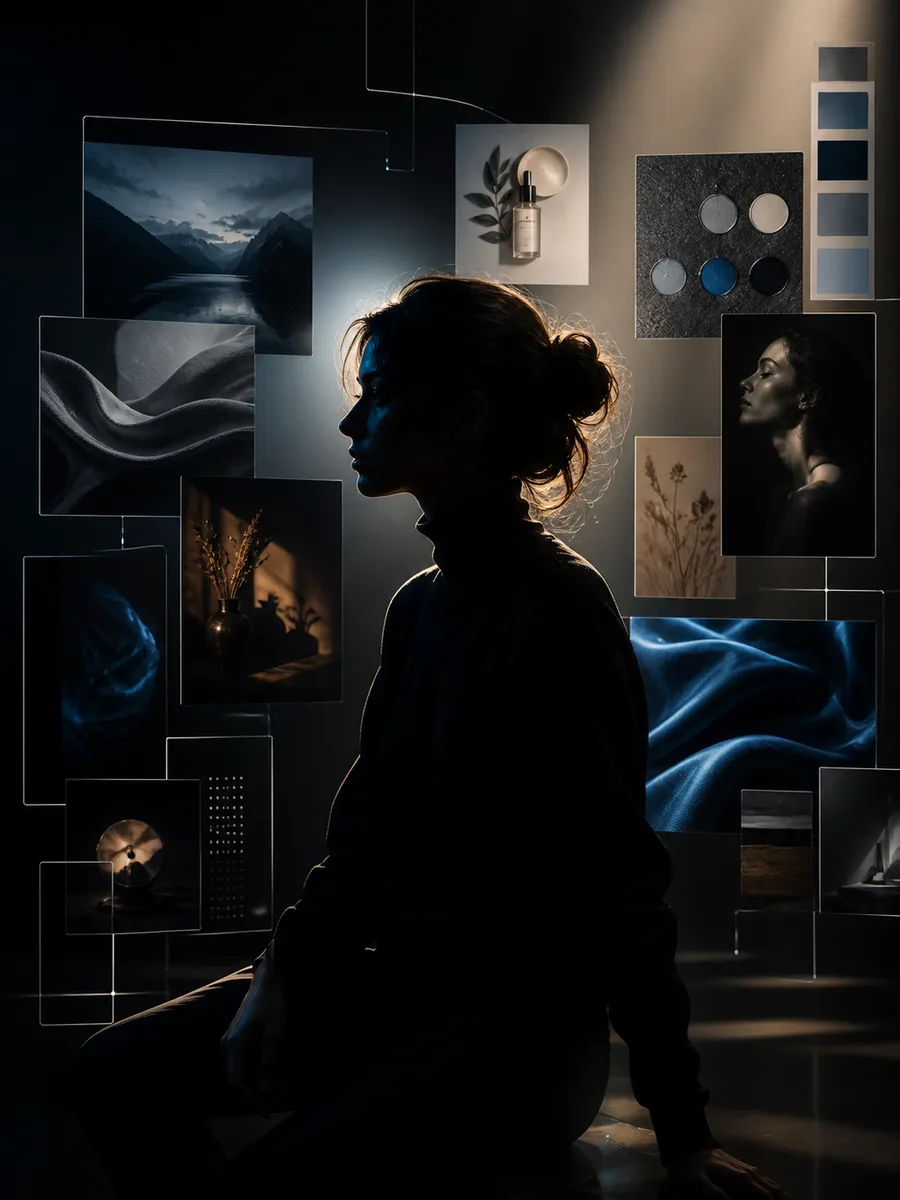
Explore profile images, creator visuals, editorial portraits, and brand mood directions.
AI 이미지 생성을 위한 크레딧이나 플랜을 선택하세요. 텍스트-이미지, 이미지-이미지, 모델 테스트 모두 Movoria의 실제 결제 옵션을 사용합니다.
포함 사항
포함 사항
포함 사항
모델 선택, 이미지 편집, 생성 시작에 대한 답변입니다.
Model availability and credit costs can change as provider pricing changes.